


1.PURPOSE
Give WP Square plugin is a WordPress plugin that allows users to donate from their give-donation form using Square payment gateway. This will help you to add Square payment option to your form created through the Give – Donation plugin. So users will be able to donate via Credit Card, this payment will process through your Square account.
 Was this helpful?
2.FEATURES AND REQUIREMENTS
- FEATURES
- Simple Donation payment through Square.
- REQUIRMENTS
- Give – Donation Plugin
- Square Account.
3.INSTALLATION
- After you have downloaded the plugin you will now need to install it on your WordPress system.
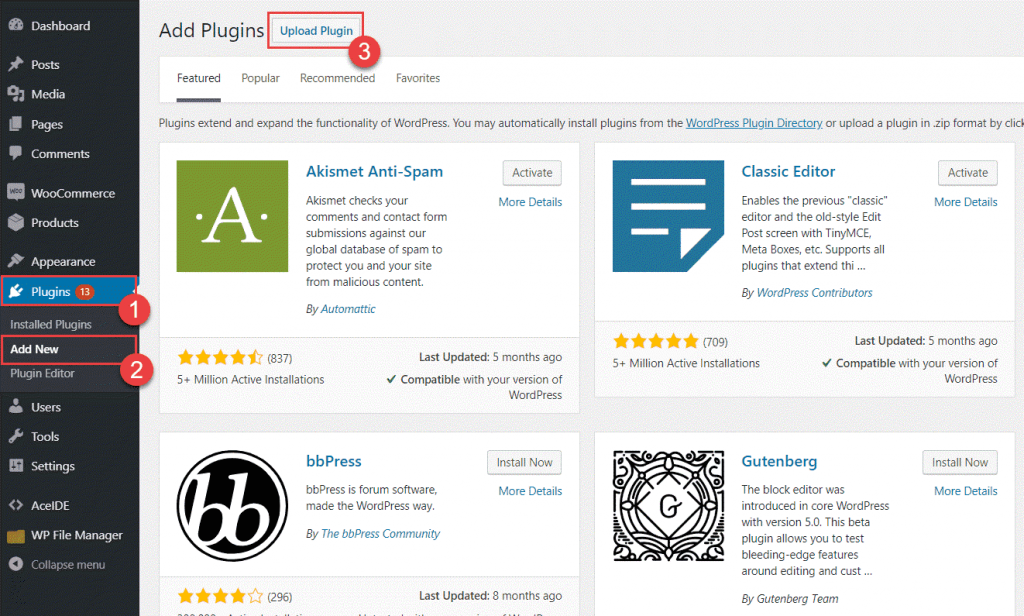
- Log in to your WordPress admin panel.
- Click on the Plugins tab on the left side menu.
- Click Add New.
- At the top of the page, you will see an Upload Plugin button, click that.
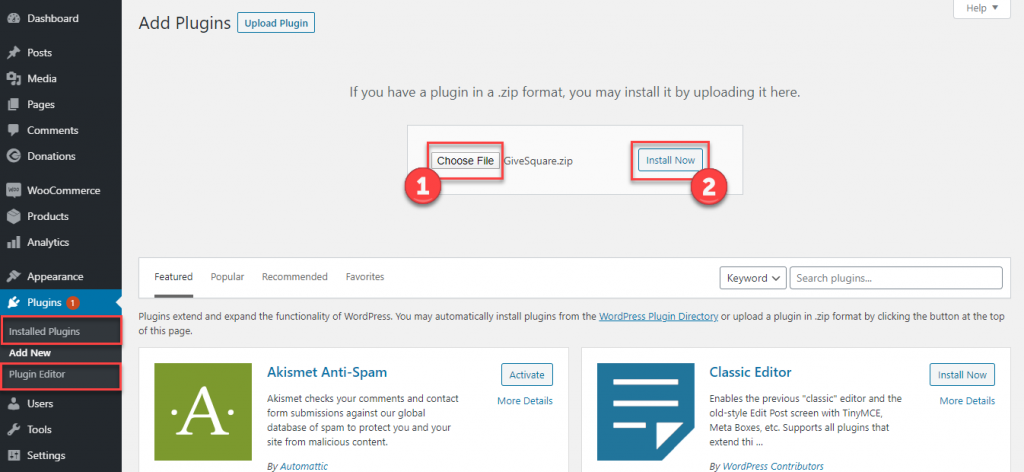
- Click Choose file button in the box that appears below, Select the plugin zip file from your directory.
- After the file has been selected, click install now.
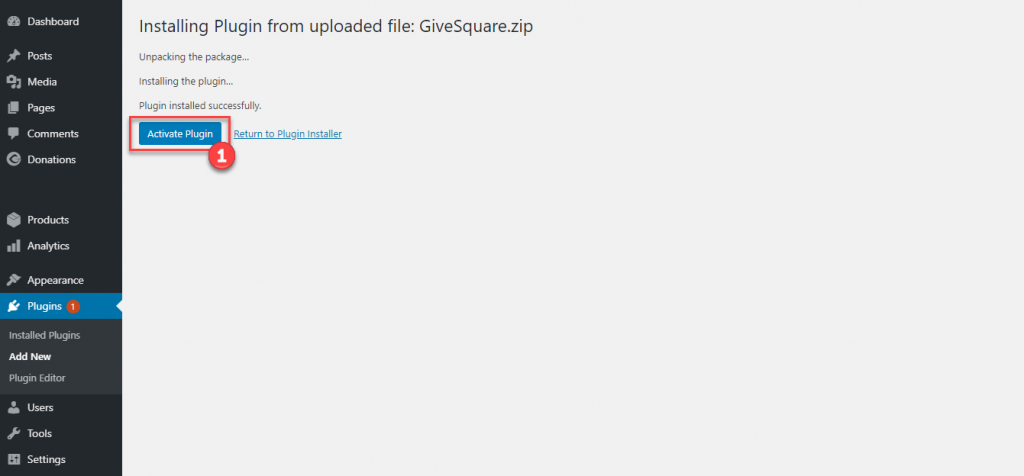
- When the zip file has finished uploading click the Activate Plugin button.
4.PLUGIN SETTINGS
- Go to Donations settings tab.
- Click Payment Gateways and then Square.
- All Square settings will display like shown below.
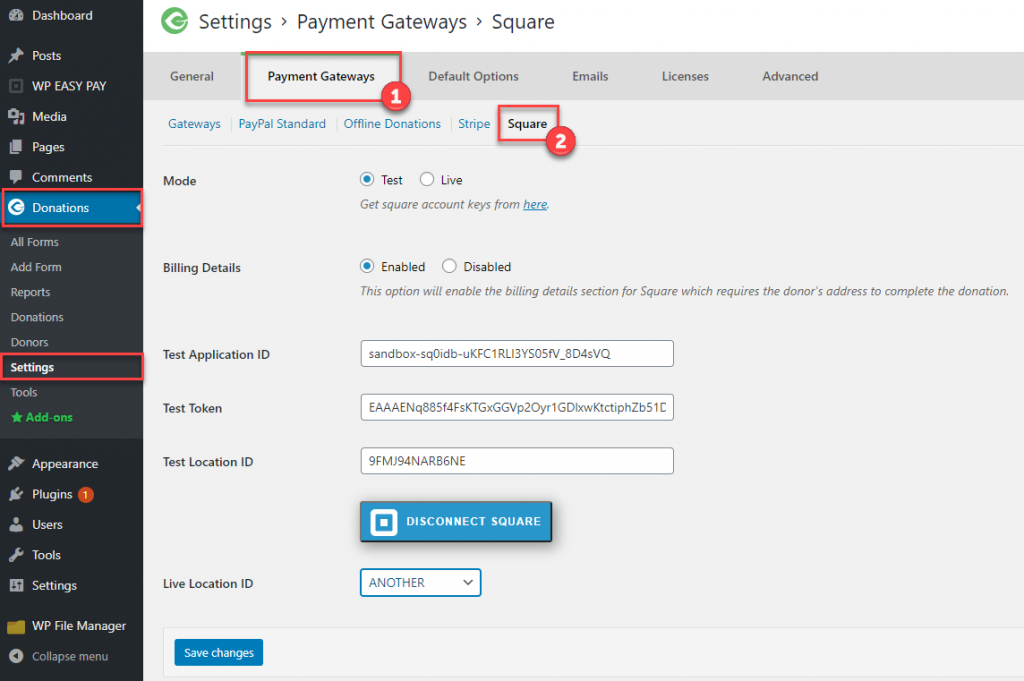
- Select either Live or Test mode.

- You can also enable the billing details section on the donation form.

- For running test mode, you need to add Test Application ID, Token and Location ID.
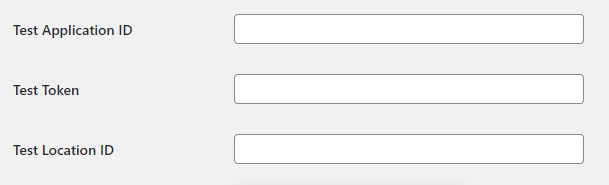
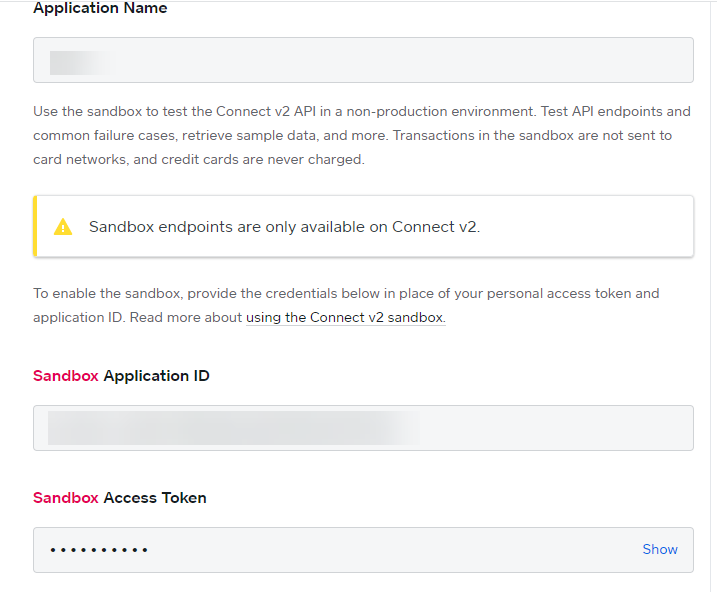
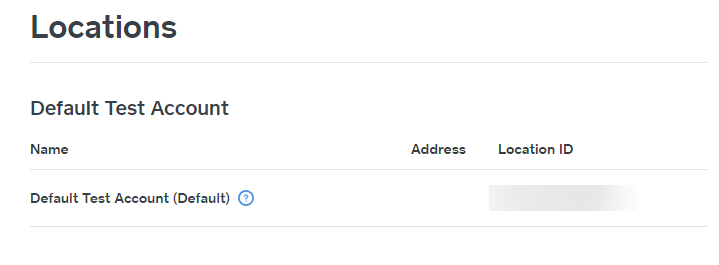
- To get Test Application ID, Token and Location ID, login to your square account, go to Square developer dashboard: https://developer.squareup.com/apps and create an application.
- Copy and paste Test Application ID, Token and Location ID credentials.
- For running live mode click CONNECT WITH SQUARE button.
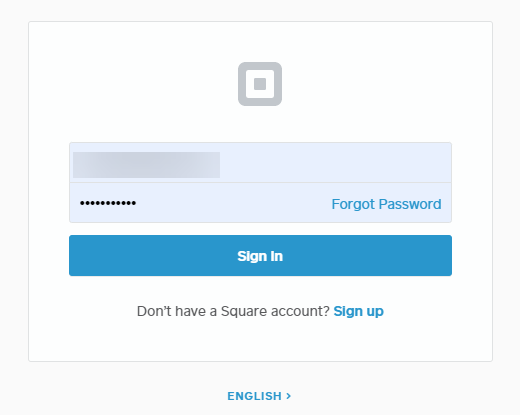
- Enter email and password, and click Sign In.
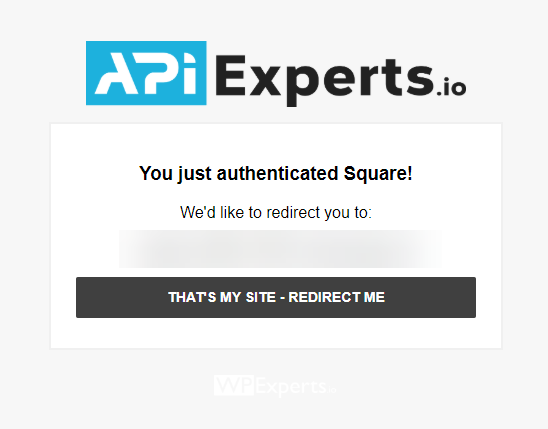
- Click THAT’S MY SITE – REDIRECT ME button.
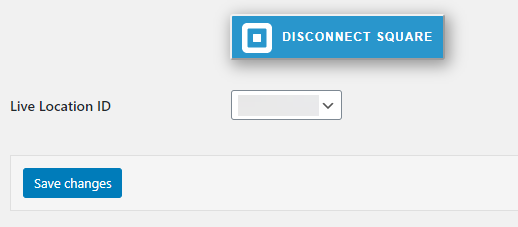
- After connecting with Square, select your Square Location.
- Always remember to click Save changes, otherwise no settings will be saved.
- You can also set individual donation form Square settings.
- Select or create a donation form and click Square tab.
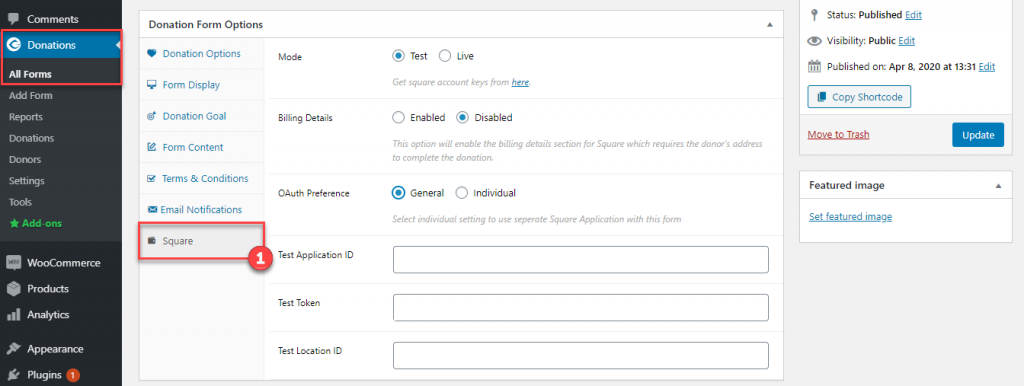
- Select Individual OAuth preference.
- For Individual you can set different Square settings, the guidelines for Individual are same as General settings.

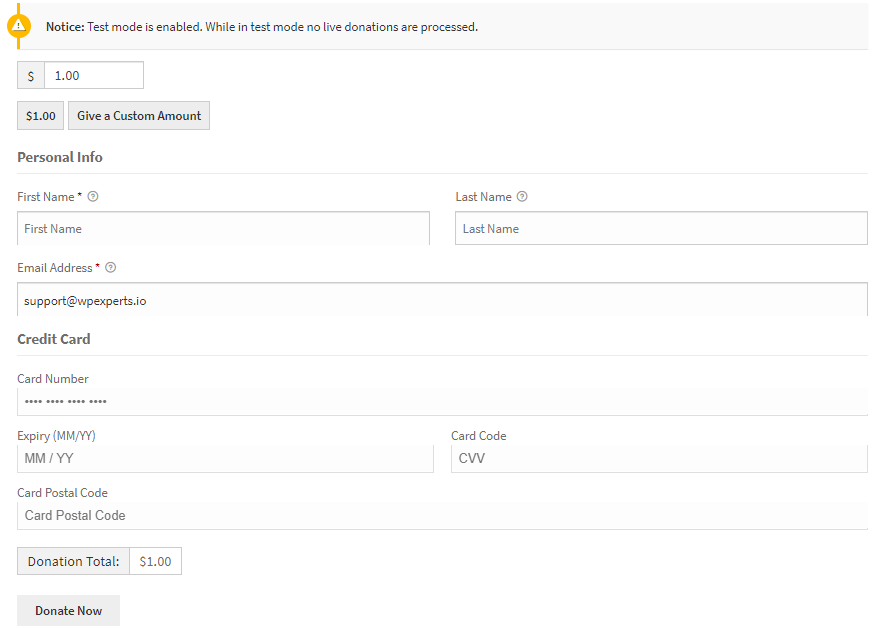
EXAMPLE FORM ON FRONT END
Help Guide Powered by Documentor